
TAGiAfrica Reviews
How to Use Clipwise AI for Viral Shorts [2025 FULL GUIDE]
What Is Clipwise AI?
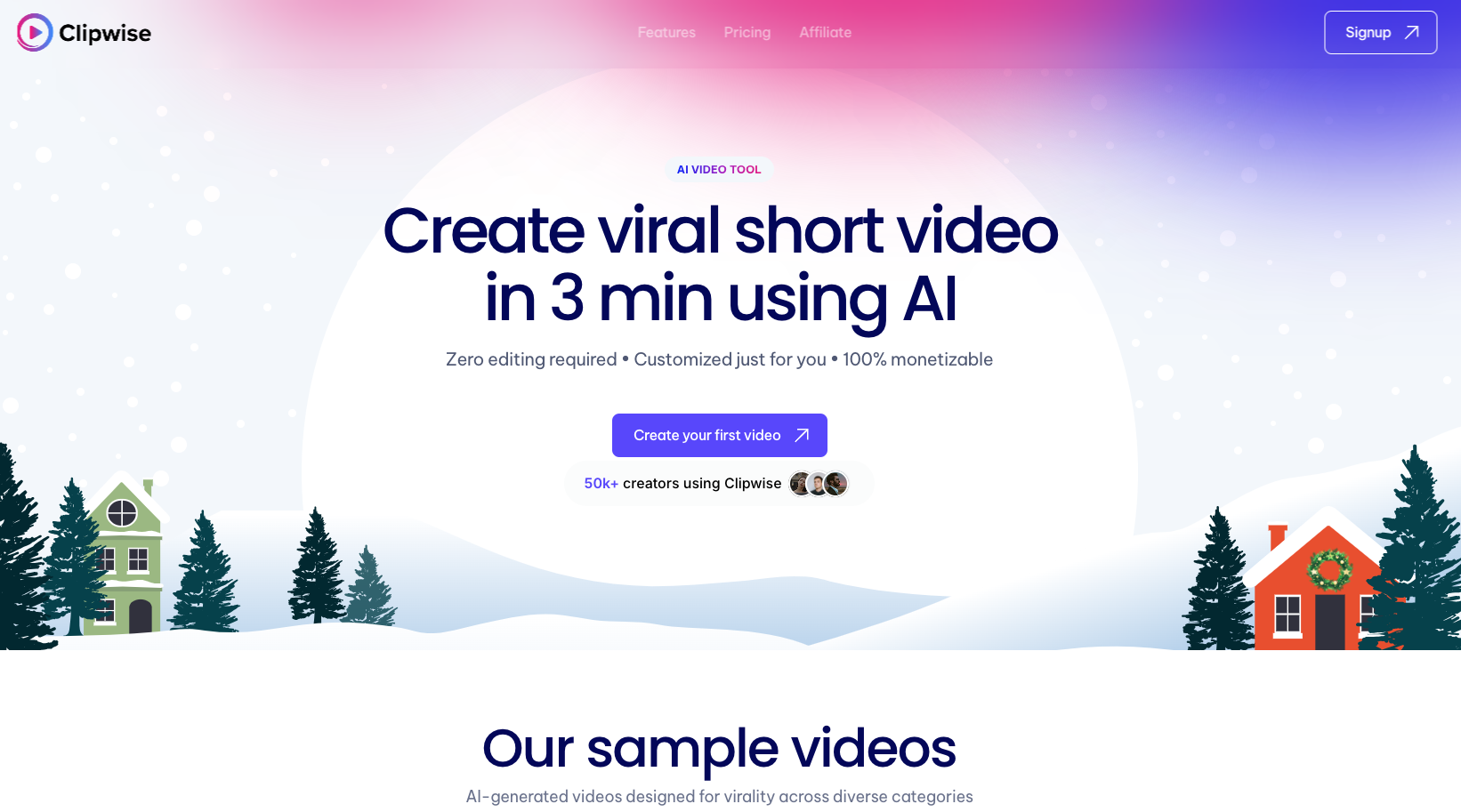
Clipwise AI is an advanced, AI-powered video creation and editing tool designed to simplify the process of producing high-quality, engaging short-form videos. It leverages cutting-edge artificial intelligence to help creators, marketers, and businesses craft viral videos effortlessly, making it a game-changer in the world of content creation. Whether you’re aiming for TikTok, Instagram Reels, YouTube Shorts, or other platforms, Clipwise AI ensures your videos capture attention and drive engagement.
Key Features of Clipwise AI
- AI-Powered Video Editing:
Clipwise AI automates the video editing process, allowing you to create polished content in minutes. From cutting unnecessary frames to enhancing video pacing, the AI ensures professional results with minimal effort. - Trending Templates and Effects:
Access a library of pre-made templates and visual effects based on current social media trends. These templates are tailored for quick edits and are designed to meet the platform-specific preferences that help content go viral. - Smart Text Overlays and Transitions:
With dynamic text overlays and smooth transitions, Clipwise AI makes it easy to add captions, headlines, and visual flair. These elements help keep viewers hooked and improve accessibility for those watching without sound. - Integration with Viral Audio Tracks:
Clipwise AI connects to trending music libraries, providing you with access to viral audio tracks. Syncing videos with popular sounds increases the chances of trending on platforms like TikTok or Instagram.
Who Should Use Clipwise AI?
Clipwise AI is perfect for a wide range of users:
- Content Creators: Individuals looking to boost views and engagement with professional-quality videos.
- Marketers: Brands and businesses aiming to drive awareness and conversions through short-form video content.
- Influencers: Social media personalities striving to stay relevant with trendy, shareable videos.
- Small Businesses: Entrepreneurs seeking cost-effective tools to enhance their online presence.
With Clipwise AI, anyone can create videos that captivate, engage, and convert audiences, helping you stand out in the crowded digital space.
4. Step-by-Step Guide to Using Clipwise AI
- [Step 1] Sign Up and Set Up:- To get started with Clipwise AI, the first step is to sign up for an account. Visit the Clipwise AI website and click on the “Sign Up” button. Fill in the necessary information such as your name, email address, and a secure password. Once registered, log in to your account. After logging in, explore the dashboard which serves as your command center. Here, you can see all your projects, templates, and settings. Familiarize yourself with the layout – it’s user-friendly and intuitive, designed to help you navigate through the video creation process with ease. You can also access tutorials and guides to assist you in setting up your workspace effectively.

- [Step 2] Select a Viral Template:- Next, choose a template that aligns with your content goals. Clipwise AI offers a variety of viral templates tailored to different types of short videos: from humorous skits to motivational messages, and even promotional content. Browse through the available options or use the search bar to find templates that match current trends on social media platforms. If none of the pre-set templates suit your vision, you have the option to start from scratch. This feature allows you to customize every aspect of your video, from the background color to the layout of text and visuals. With Clipwise AI’s drag-and-drop interface, it’s easy to experiment and refine your video’s look until it perfectly matches your creative vision.
- [Step 3] Add Your Video Clips:- Once you’ve selected a template, it’s time to upload your video clips. Clipwise AI supports both existing footage from your library and AI-generated visuals, giving you the flexibility to create videos that look polished and professional. If you have raw footage or images on your device, simply drag them into the editor. Alternatively, use Clipwise AI’s AI tools to automatically generate content based on your prompts. This can include background animations, overlays, or even additional video clips that enhance the storytelling. The AI’s smart suggestions help you save time and maintain a cohesive visual style throughout your video.

- [Step 4] Customize Your Video:- Now it’s time to personalize your video. Clipwise AI provides a variety of tools to help you make your content stand out. Add engaging text overlays to grab attention and provide context. Use transitions to smoothly connect scenes and maintain viewer engagement. Experiment with filters to set the right mood or aesthetic for your video. Clipwise AI also integrates with viral music tracks that match current trends, enhancing the emotional impact of your video. Whether you’re creating a fun dance video, an emotional story, or a product promo, you can customize every element to ensure your video aligns with your brand and the platform’s expectations.
- [Step 5] AI Optimization:-To ensure your video performs well and captures viewer attention, Clipwise AI offers AI optimization tools. These tools automatically adjust pacing, visual effects, and engagement hooks based on what works best for viral content. The AI analyzes trends and viewer behaviors to fine-tune your video’s timing and visual cues, making sure it’s compelling and easy to watch. You can preview changes in real-time, so you’re in control of how the final product will look and feel. This optimization ensures your video has the best chance of going viral by aligning with viewer expectations and platform algorithms.
- [Step 6] Export and Share:- Once your video is customized and optimized, it’s time to export. Clipwise AI allows you to export videos in formats compatible with popular social media platforms like TikTok, Instagram Reels, and YouTube Shorts. Choose the appropriate resolution (usually 1080p or higher) to maintain video quality. Then, hit the export button, and your video will be ready to share. Clipwise AI also allows you to schedule posts directly to your social media accounts, streamlining the content creation process. Finally, add relevant hashtags and a catchy caption to increase visibility and engagement. Share your video and watch the views, likes, and shares come rolling in!









Facebook Comments